Official ChatGPT & Codex Desktop App Now Available for Linux (Preview)
Key Takeaways
- •OpenAI has officially launched the ChatGPT desktop application for Linux users in a preview state, integrating ChatGPT, Codex, and 'Work' functionalities.
- •The native Linux client offers enhanced performance, deeper system integration, and a dedicated environment for AI-assisted coding and project management.
- •Supported distributions include Ubuntu 24.04 & 26.04 LTS, Debian 13, and Fedora 43+, bringing comprehensive AI capabilities to a broad Linux user base.
- •This release marks a significant move beyond web-only or unofficial wrappers, providing developers and power users with a first-party, stable experience.
Technical Specifications & Data
| Release Status | Official Preview |
| Supported Linux Distributions (Official) | Ubuntu 24.04 LTS, Ubuntu 26.04 LTS, Debian 13, Fedora 43+ |
| Included AI Modules | ChatGPT, Codex, ChatGPT Work |
| Application Type | Native Desktop App (Likely Electron-based for cross-platform consistency) |
| Core Functionality | AI Conversational Assistant, AI Code Generation & Understanding, Project Management |
| Installation Methods (Expected) | .deb package, .rpm package |
| Minimum RAM (Recommended) | 8 GB |
| Minimum Storage | 1 GB Free Disk Space |
| Developer | OpenAI |
OpenAI Extends Native ChatGPT & Codex Experience to Linux Desktops
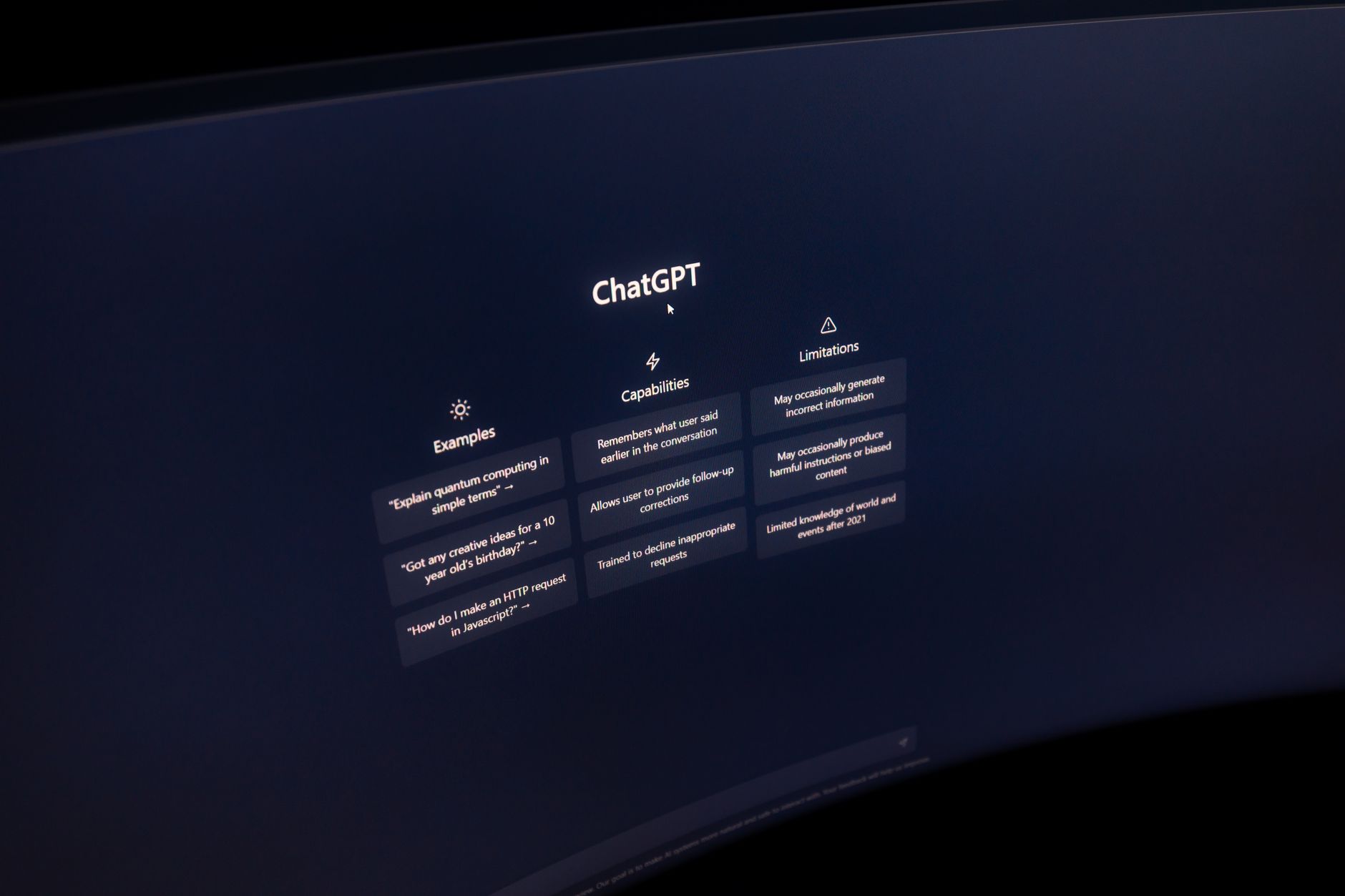
For years, Linux users seeking a dedicated ChatGPT experience have relied on web browsers or community-driven unofficial wrappers. This landscape has fundamentally shifted with OpenAI's official announcement: the ChatGPT desktop application, critically incorporating Codex, is now available for Linux in a preview release. This strategic move by OpenAI signifies a commitment to broader platform accessibility and acknowledges the robust developer ecosystem prevalent on Linux distributions. The new app is not merely a web wrapper; it's engineered to provide a native desktop experience, promising improved performance, system integration, and a cohesive environment for leveraging OpenAI's powerful AI models.
This release bundles the general conversational capabilities of ChatGPT with the specialized code-generation and understanding power of Codex, alongside a new 'Work' component designed to facilitate long-running projects and file interactions. It represents a significant upgrade, moving away from the limitations of browser tabs and offering a more streamlined, focused workflow. The preview status indicates an ongoing development phase, inviting crucial feedback from the Linux community to refine the application's stability, features, and performance. For developers, researchers, and general users on Linux, this official client unlocks new avenues for AI-powered productivity directly from their preferred desktop environment.
Why This Matters & Unique Technical Insights for Linux Users
The introduction of an official ChatGPT and Codex desktop app for Linux carries substantial weight, particularly for the developer community. Historically, unofficial clients often faced challenges with API stability, security, and feature parity. A first-party application from OpenAI inherently addresses these concerns, providing a more reliable and secure channel for interacting with their AI models. The native integration offers several key technical advantages: enhanced clipboard support for code snippets, better file system integration for project-related tasks, and potentially optimized resource utilization compared to browser-based solutions.
Crucially, the 'Codex Desktop' aspect implies a more deeply integrated experience for coding workflows. While the core Codex model still resides in the cloud, the native application can provide a superior user interface for code generation, debugging assistance, and refactoring suggestions. This could manifest as dedicated code editors within the app, seamless integration with local development environments, or advanced project management features that understand code structures. The 'Work' functionality further suggests capabilities for managing multi-file projects, maintaining context across sessions, and potentially even local caching of frequently accessed data or generated code (though the latter would depend heavily on OpenAI's security and architecture decisions). For Linux users, this means a more fluid experience for data transfer, persistent settings, and potentially faster startup times than electron-based web wrappers. The ability to choose between 'ChatGPT' and 'Codex' within the app hints at optimized interfaces tailored to either general conversation or highly structured code-centric interactions, providing a critical level of flexibility and performance optimization not easily achieved in generic web interfaces.
Installation, Supported Distributions, and System Requirements
The official ChatGPT desktop application for Linux is available in preview, targeting popular and stable distributions to ensure a broad reach for early adopters. Initial support has been confirmed for key distributions, including Ubuntu 24.04 LTS and its upcoming 26.04 LTS counterpart, Debian 13, and Fedora 43 (and potentially newer versions as they release). While these are the officially stated targets, users on derivatives of these distributions (e.g., Linux Mint based on Ubuntu/Debian, Pop!_OS based on Ubuntu, or RHEL/CentOS clones based on Fedora) may also find success, though official support for these is typically not guaranteed during a preview phase.
Installation methods are expected to align with standard Linux packaging practices, likely including `.deb` packages for Debian/Ubuntu-based systems and `.rpm` packages for Fedora. It's plausible that AppImage, Snap, or Flatpak formats could be explored for wider compatibility in the future, providing sandboxed and distribution-agnostic installation options. As for system requirements, while specific minimums haven't been exhaustively detailed by OpenAI for the preview, general guidelines for a modern desktop application that interacts heavily with cloud AI services typically include: an x86-64 compatible processor, at least 8GB of RAM for smooth multitasking (16GB recommended for heavy code work), and a minimum of 500MB to 1GB of free disk space for the application and its cache. A stable internet connection is, of course, essential for all AI functionalities that rely on OpenAI's cloud infrastructure.
Enhance your Linux development workflow with AI; explore advanced coding environments and AI tools.
Chronological Timeline
OpenAI releases Codex, an AI model based on GPT-3, for code generation.
OpenAI launches ChatGPT to the public, rapidly gaining widespread adoption.
OpenAI releases the official ChatGPT desktop app for macOS, integrating ChatGPT and Work.
OpenAI announces and releases the ChatGPT desktop app for Linux in preview, including ChatGPT, Codex, and Work functionalities.
Frequently Asked Questions
Is the ChatGPT desktop app for Linux official?
What Linux distributions are supported?
What does 'Codex Desktop' mean for Linux users?
What is the 'Work' component in the app?
Daily Specs Editorial Staff
Lead Technical Analyst & Hardware Researcher
The Daily Specs editorial staff compiles, benchmarks, and verifies emerging technical specifications directly from system architecture manuals, hardware datasheets, and open-source codebases to deliver high-gain technical intelligence.